Two new tiny Home Assistant improvements I made recently
Sep 30th, 2026
Code in this blog post was written with versions: home-assistant: 2026.9.4
In our current attention economy, everything needs to be bigger and flashier so if you follow any content creators or influencers in the smart home scene, you’ll see big and expensive setups that are fueling your FOMO.
In reality, it’s the small things that bring most joy and actual utility. To counter balance that, I’m sharing two tiny adjustments I’ve made to my Home Assistant setup that have proved to be excellent quality of life improvements based on some new (as in, new to me) functionality I’ve discovered.
Single use “prevent an action” toggle
Every morning, my home wakes up and the lights in my bedroom, hallway and kitchen light up to welcome me to a new day. At 22.00, all lights turn off to prep me for bed.
But some nights, I stay up writing or coding past 22 at my desk and don’t want the lights to go off. So far, it hasn’t been an issue as I can just turn them all on from my phone or Stream Deck with a push of a button.
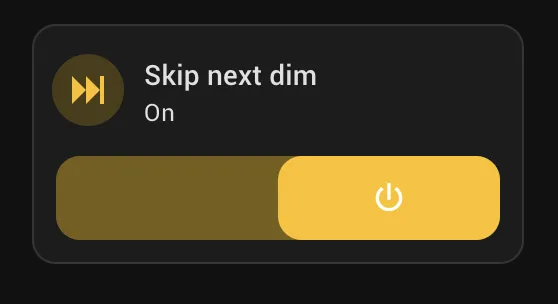
This fall, I implemented a kind of an SR Latch solution: a toggle on my dashboard that when turned off, prevents a single evening turn off event and then resets itself to off. It’s pretty cool. I didn’t realise you can build such a system in Home Assistant but once I figured it out, it made so much sense.
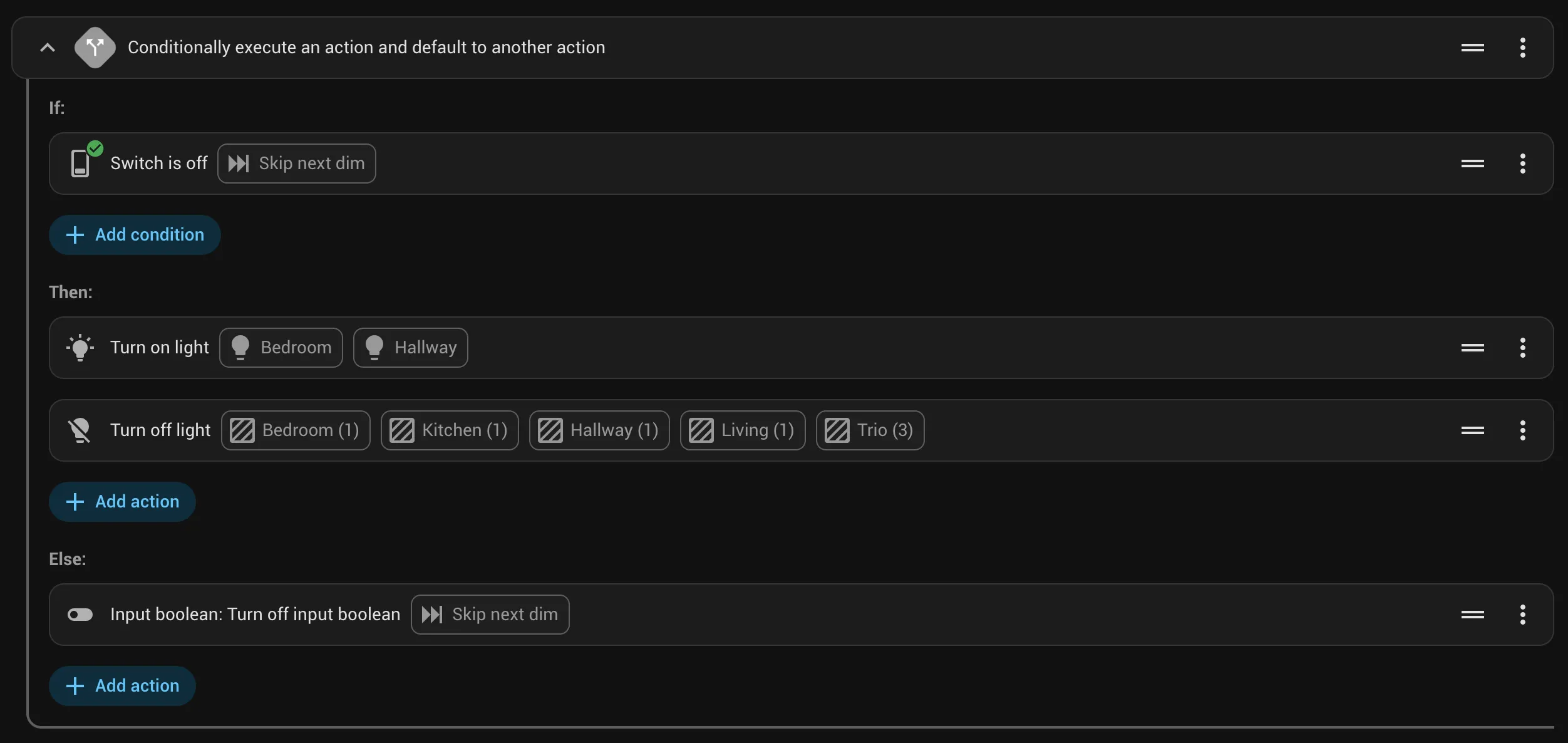
Inside my automation, I use an if-then action.
alias: Go to sleep
description: ''
triggers:
  - trigger: time
    at: '22:00:00'
conditions: []
actions:
  - if:
      - condition: switch.is_off
        target:
          entity_id: input_boolean.skip_next_dim
        options:
          behavior: any
          for: '00:00:00'
    then:
      - action: light.turn_on
        metadata: {}
        target:
          entity_id:
            - light.bedroom
            - light.hallway
        data:
          brightness_pct: 20
      - action: light.turn_off
        metadata: {}
        data: {}
        target:
          area_id:
            - bedroom
            - kitchen
            - hallway
            - living
            - trio
    else:
      - action: input_boolean.turn_off
        metadata: {}
        target:
          entity_id: input_boolean.skip_next_dim
        data: {}
mode: single
What I really like about it is that I can set the switch at any time of the day and it always turns itself off in the evening so it doesn’t accidentally stay on and keep my lights up if I’m traveling or something.
Conditionally showing controls
More and more, I control my living room’s entertainment systems through Home Assistant. For example, when I turn on my Playstation, projector and AV turn on and lights turn off. On my main dashboard, I also have a few presets: one for gaming, one for watching movies and one for listening music and they start the required devices at the right settings (for example, at night, the volume starts at a lower level so I can be a nice neighbour by default).
To manually adjust the volume of my AV receiver, I used to go to my Entertainment dashboard, open the device and adjust the volume. That got tiresome quite fast. Now, I have a section at the top of my main overview dashboard that shows the volume control only if the device is on.
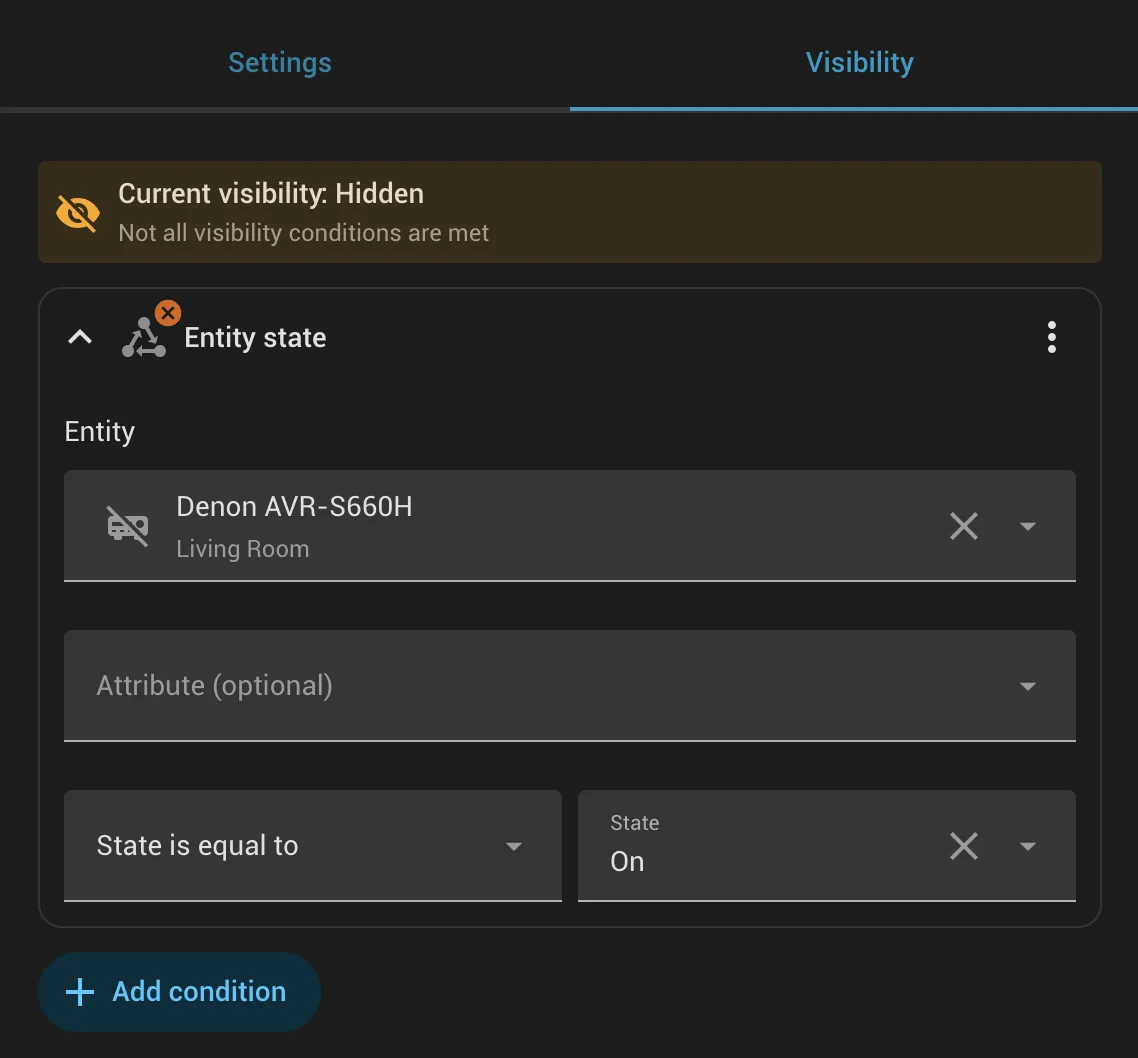
visibility:
  - condition: state
    entity: media_player.denon_avr_s660h
    state: 'on'
If something above resonated with you, let's start a discussion about it! Email me at juhis@hamatti.org and share your thoughts . This year, I want to have more deeper discussions with people from around the world and I'd love if you'd be part of that.